
Make.com Automation For Landscaping Companies Built for Measurable Business Outcomes
Make.com automation for landscaping companies moves approved information between the tools your office already uses, without another person copying the same record twice.
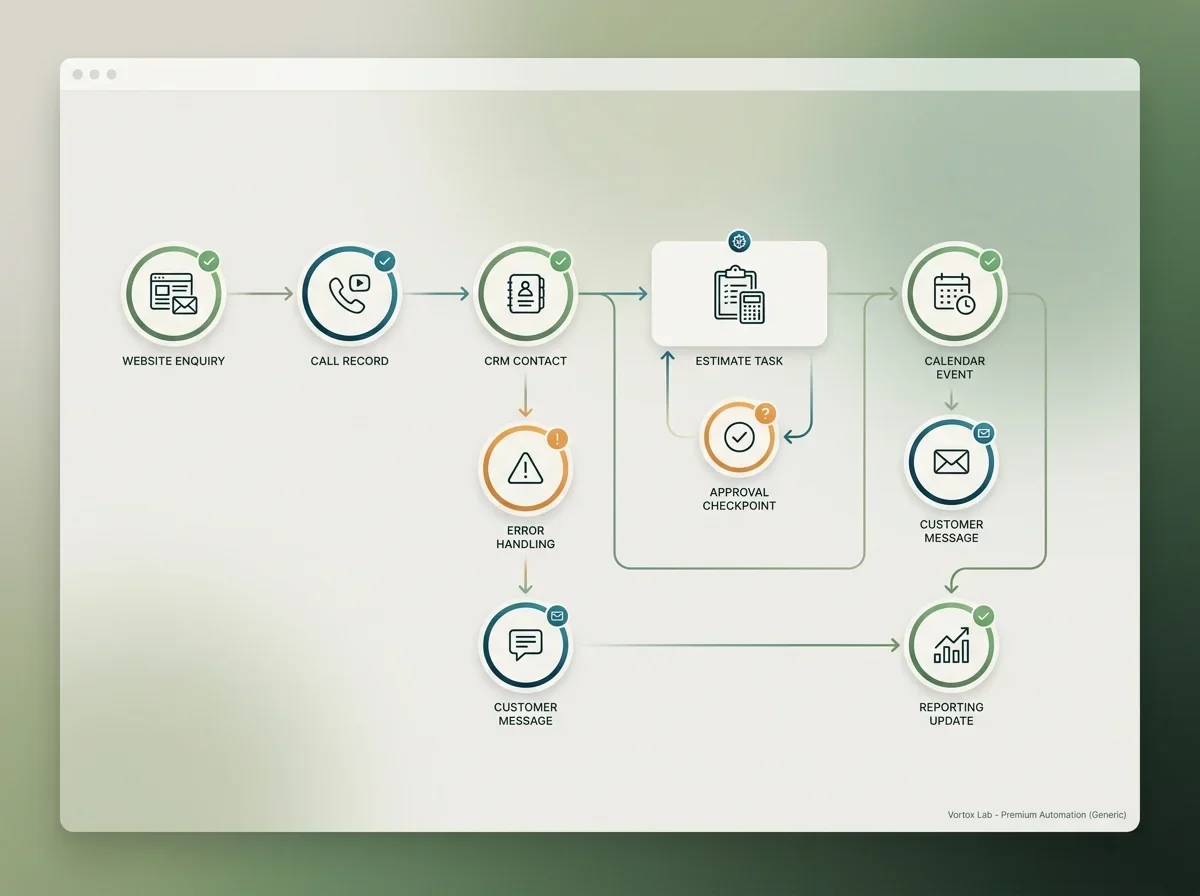
Make.com Automation for Landscapers With Repeated Cross-System Handoffs
This fits teams losing time and records between working tools.
Commercial maintenance
Route walk-through requests, proposal tasks, certificate records, and renewal dates.
See the fitLawn care
Move programme enquiries, route-fit details, service changes, and cancellation reasons.
See the fitDesign-build
Connect consultation forms, estimator tasks, proposal stages, selections, and approved client updates.
See the fitThe Tools Work, the Handoff Still Depends on One Person
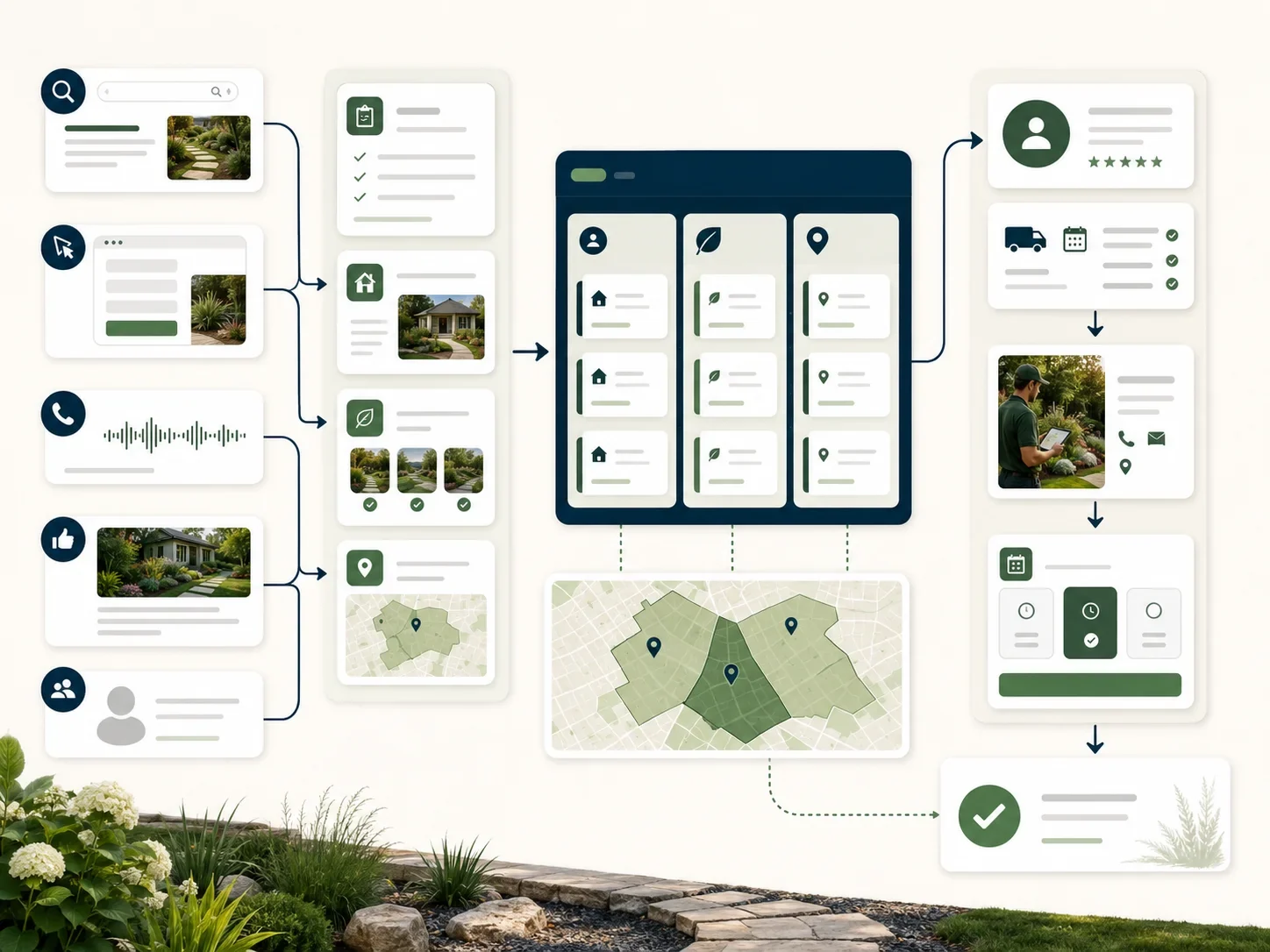
Your office copies the same enquiry, estimate status, job update, or renewal date between systems while the next action waits.
"I paid for software and we still enter everything twice.” Staff move records manually between email, spreadsheets, CRM, and field software."
- Failed scenarios sit unnoticed until a customer calls or an estimate goes cold.
"Approved triggers create the next record, task, message, or review step automatically."
- Errors create alerts, owners, and a visible exception queue instead of silent gaps. Dark CTA heading: Connect the Workflow, Keep the Exceptions Visible Supporting line: Start with one repeated handoff that costs office time every week. Action: Book a growth audit
More Of Automation & AI Development, As Its Own Service
Make.com automation is one part of Automation & AI Development. The audit decides which related services to activate first based on the constraint costing you booked work today.
Workflow automation
Connect the tools you run.
View servicen8n automation development
Self hosted, no task fees.
View serviceZapier automation
Fast connections between apps.
View serviceWeather triggered automation
Reschedule and surge on forecast.
View serviceAI consulting
Where AI actually pays.
View serviceCustom AI agent development
Built for your workflow.
View serviceLandscaping Make.com Automation Built Around Controlled Scenarios
These make.com automation services for landscapers cover the triggers, data movement, controls, and reporting around each approved handoff.
Covers Enquiry Routing and Estimate Follow-Up.
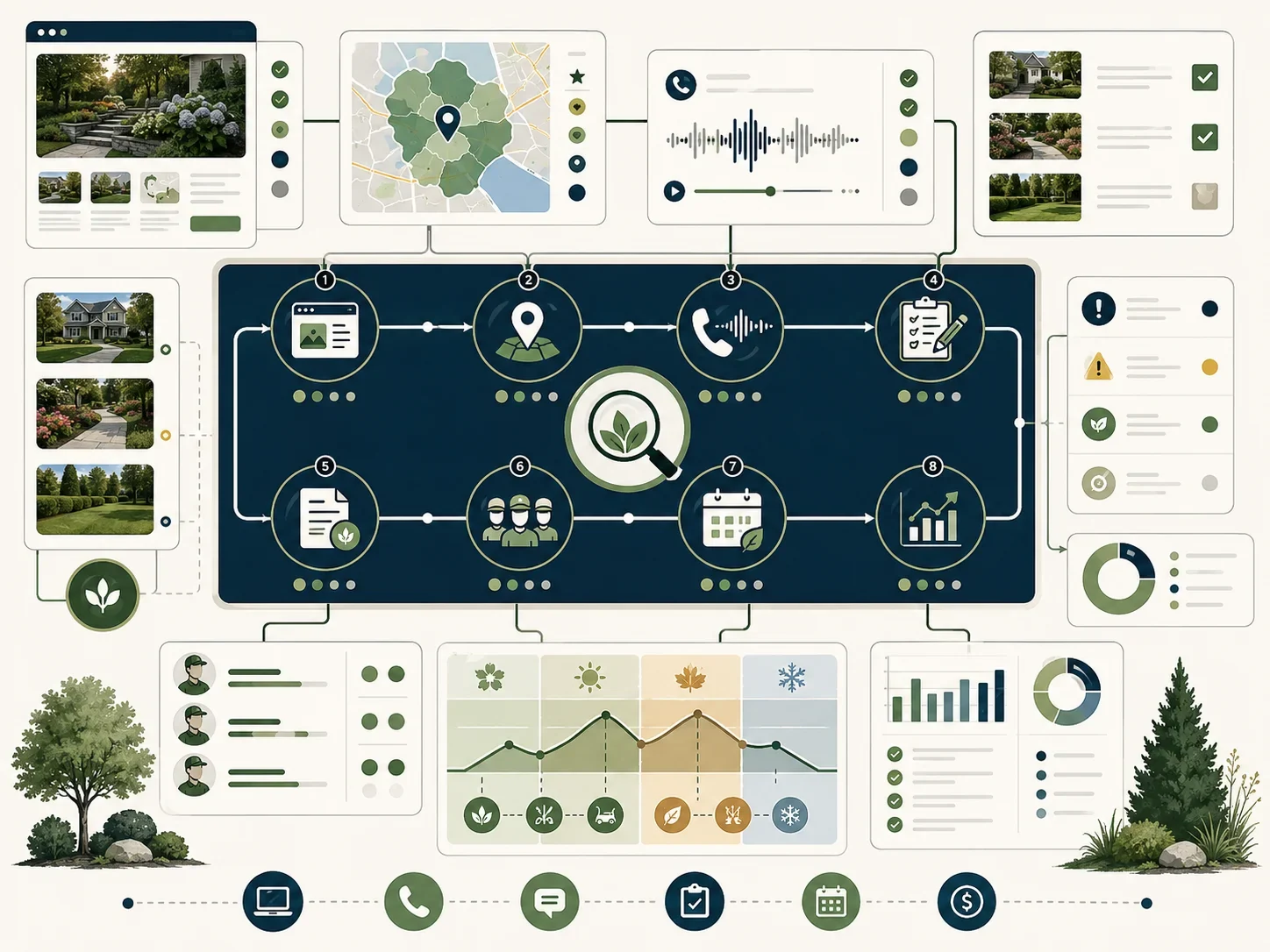
Sends approved form and call records to the correct service, owner, and response task.
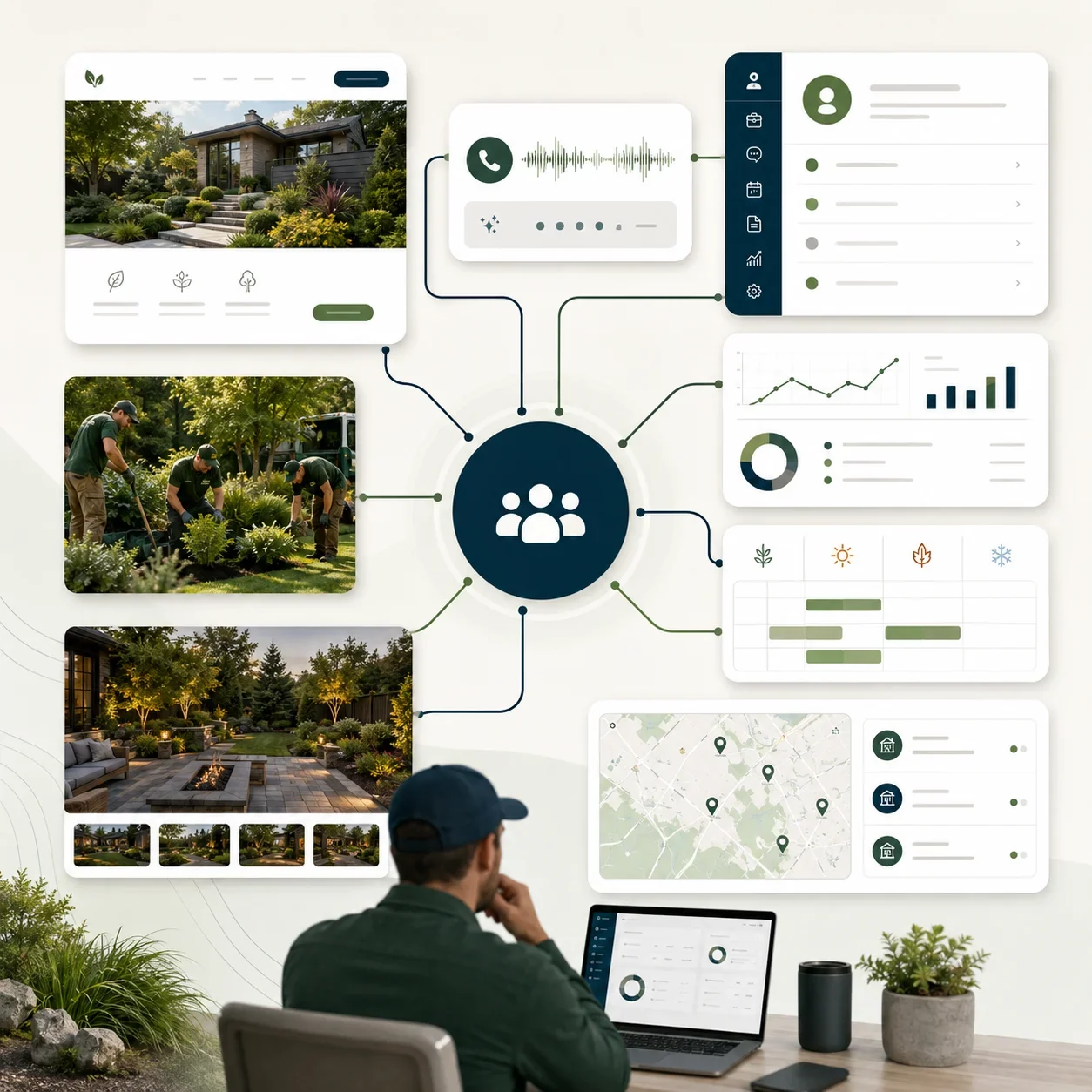
Creates reminders and customer messages from documented estimate stages without changing prices or availability.
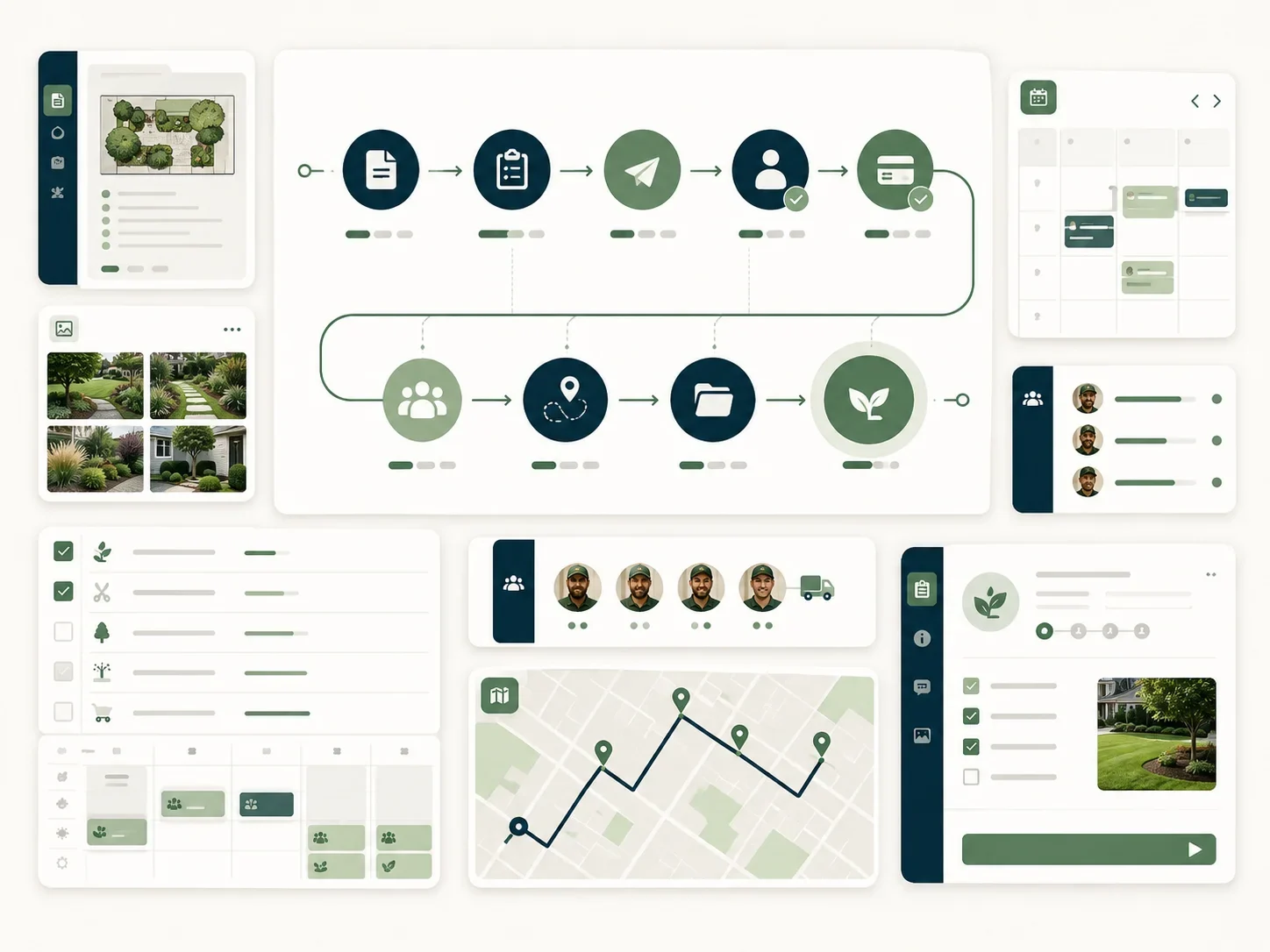
Moves approved job, schedule, and completion changes into the systems that need them.
Starts account review and renewal tasks before maintenance or seasonal contracts reach deadline.
Flags missing fields, failed actions, duplicate records, and unsupported cases for human review.
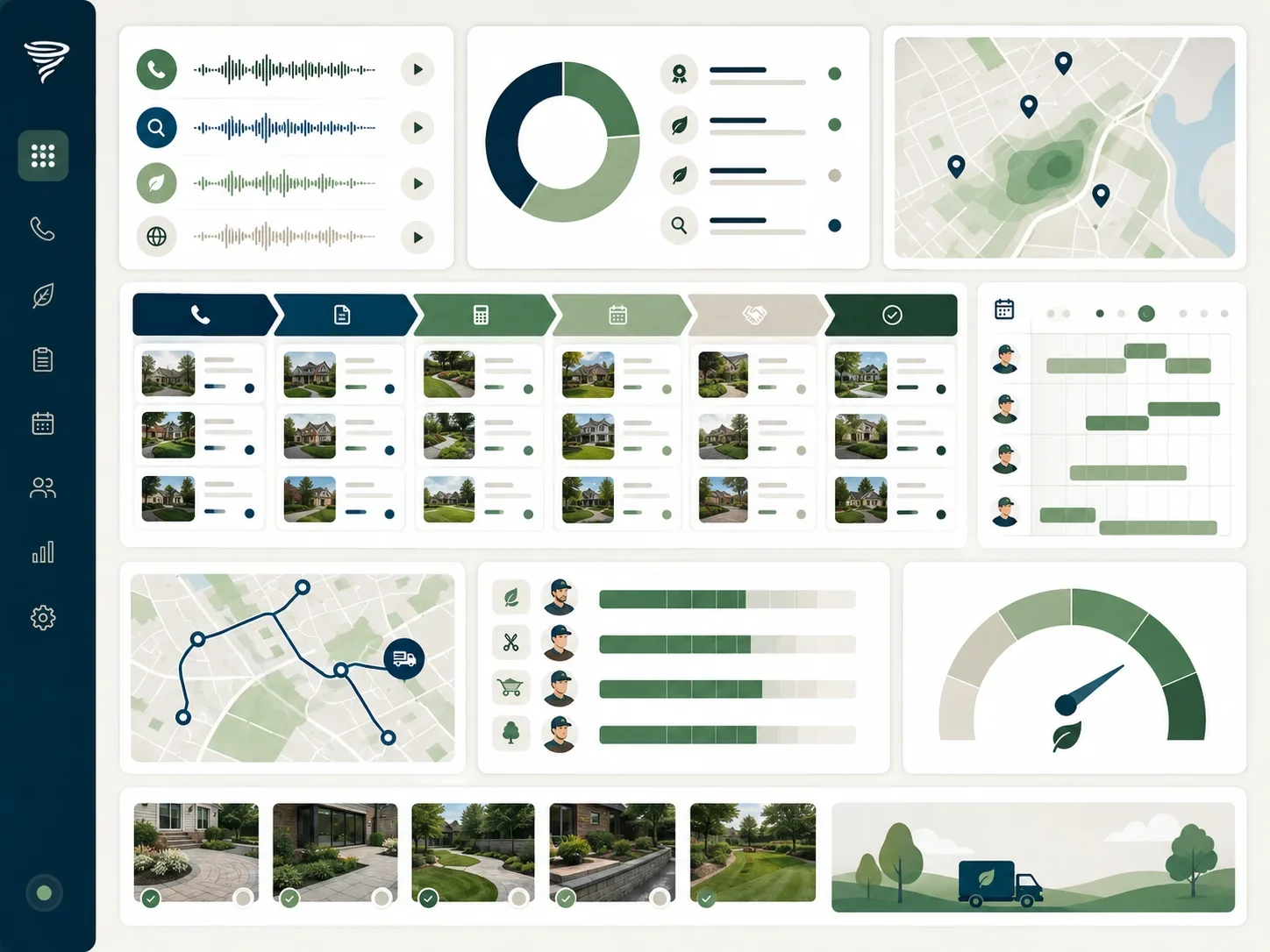
Logs trigger, action, owner, exception, correction, and outcome for monthly operating review.
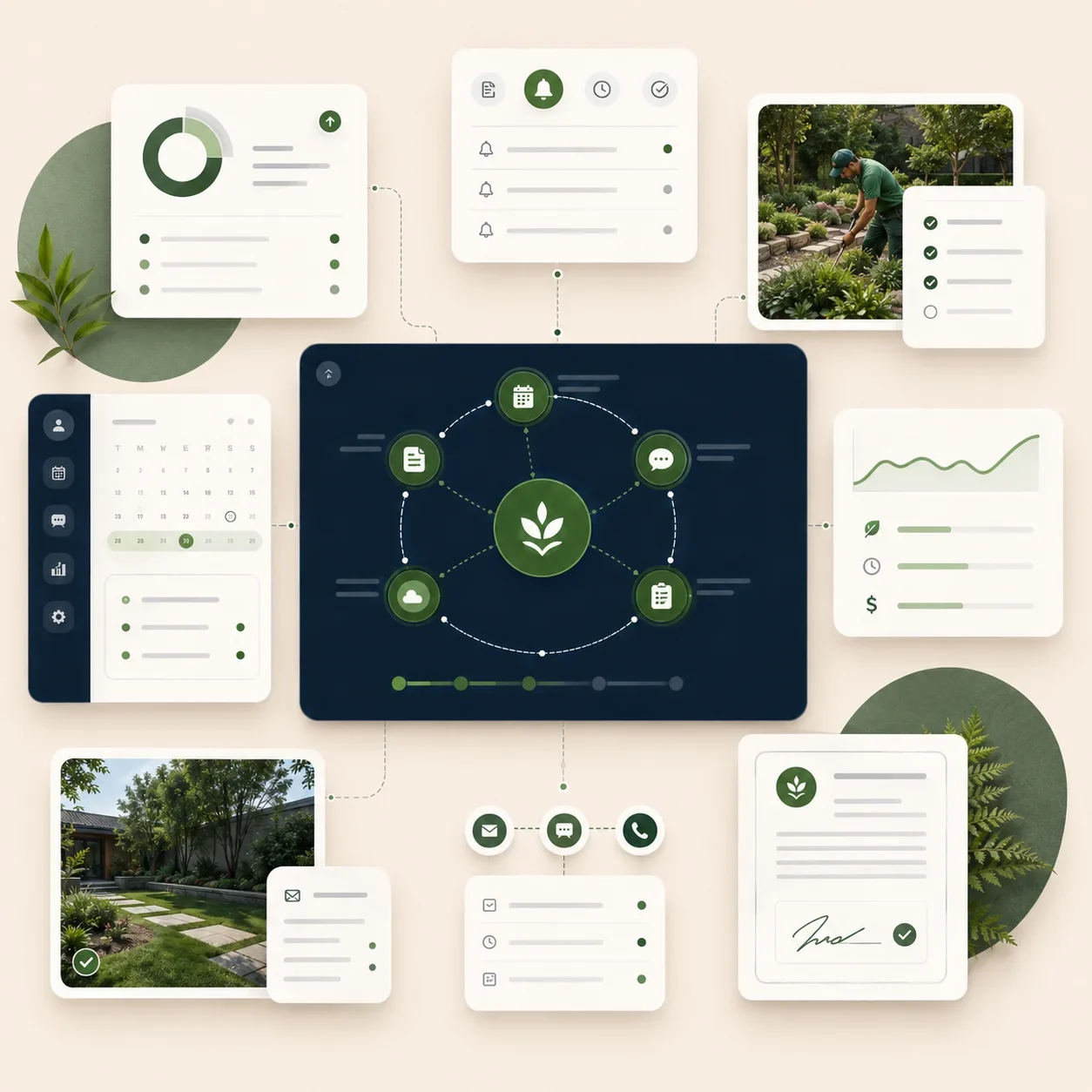
Map the Handoff, Then Build the Scenario
Outsourcing make.com automation for landscape contractors works when every trigger, action, exception, and owner is documented before the scenario goes live.
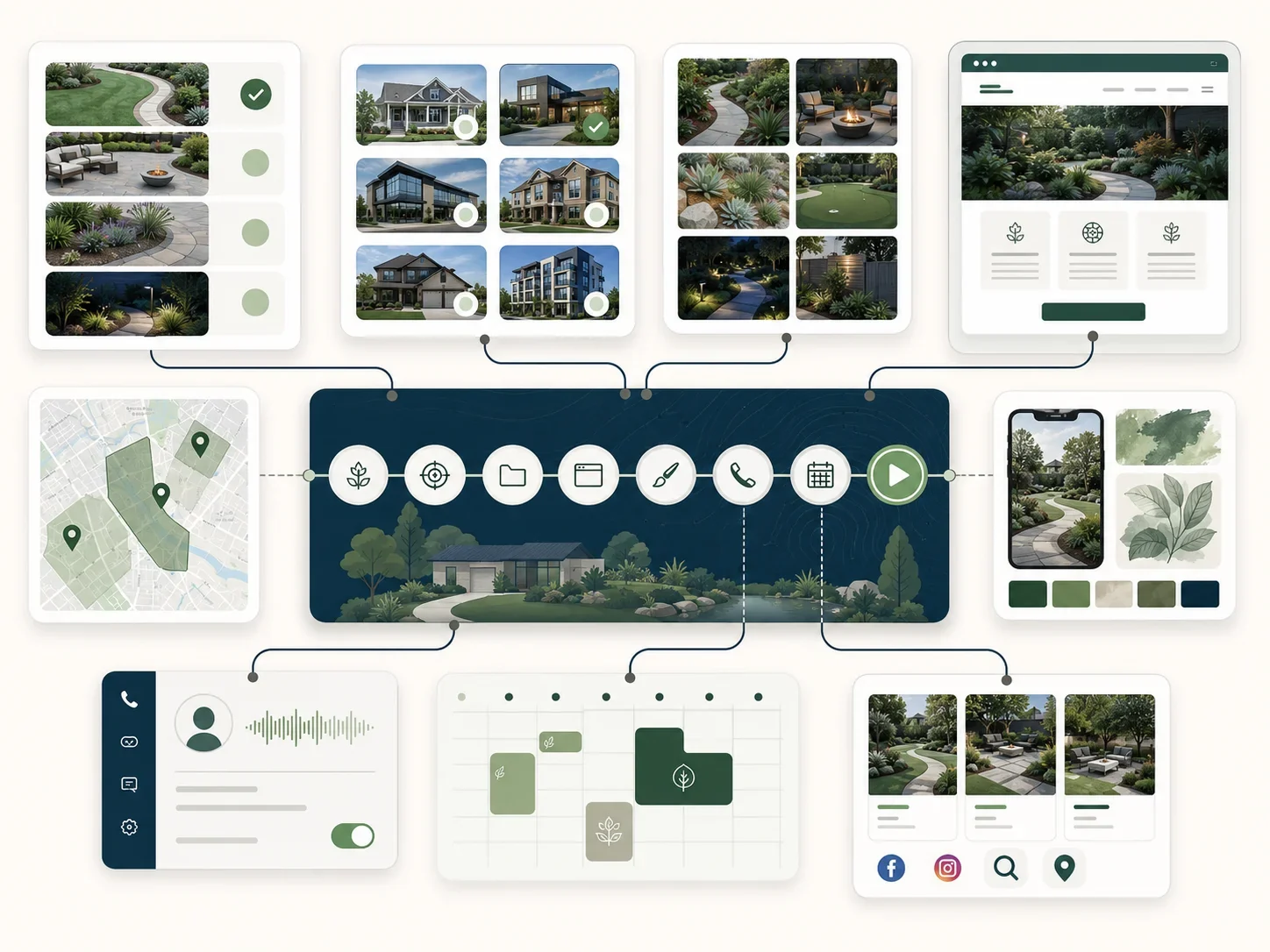
Map the workflow, name the repeated handoff
We document steps, source record, destination, required fields, approvals, exceptions, and owner across email, forms, Jobber, Aspire, LMN, Service Autopilot, QuickBooks, or CRM during live operation.
- Current process stays visible
- Required fields get defined
- One owner stays accountable
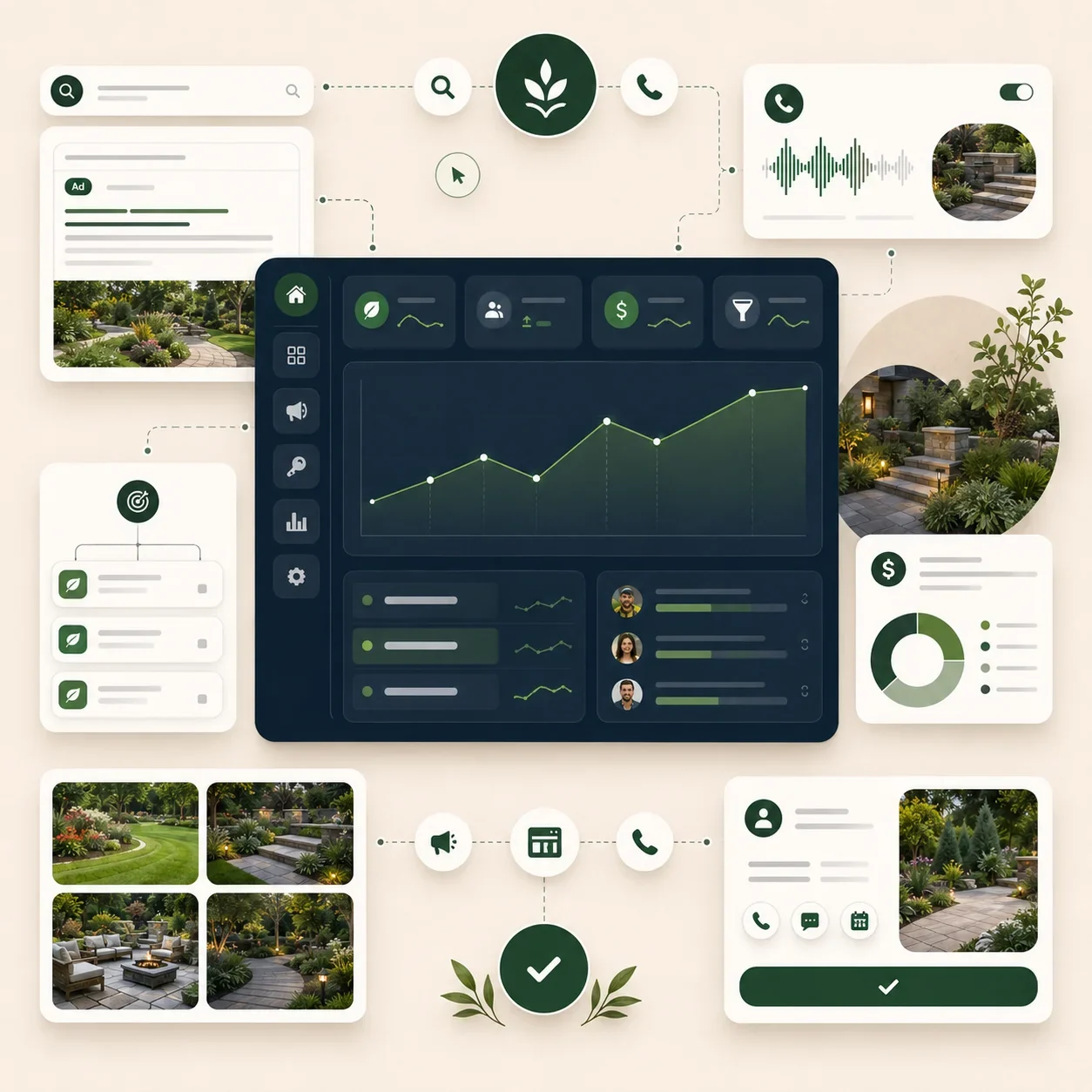
Build the scenario, protect the operating record
We configure triggers, mappings, filters, approved actions, error paths, and alerts, then test normal, incomplete, duplicate, and conflicting records without allowing the automation to overwrite authoritative data blindly.
- Approved actions stay limited
- Exceptions enter named review
- Client accounts remain owned
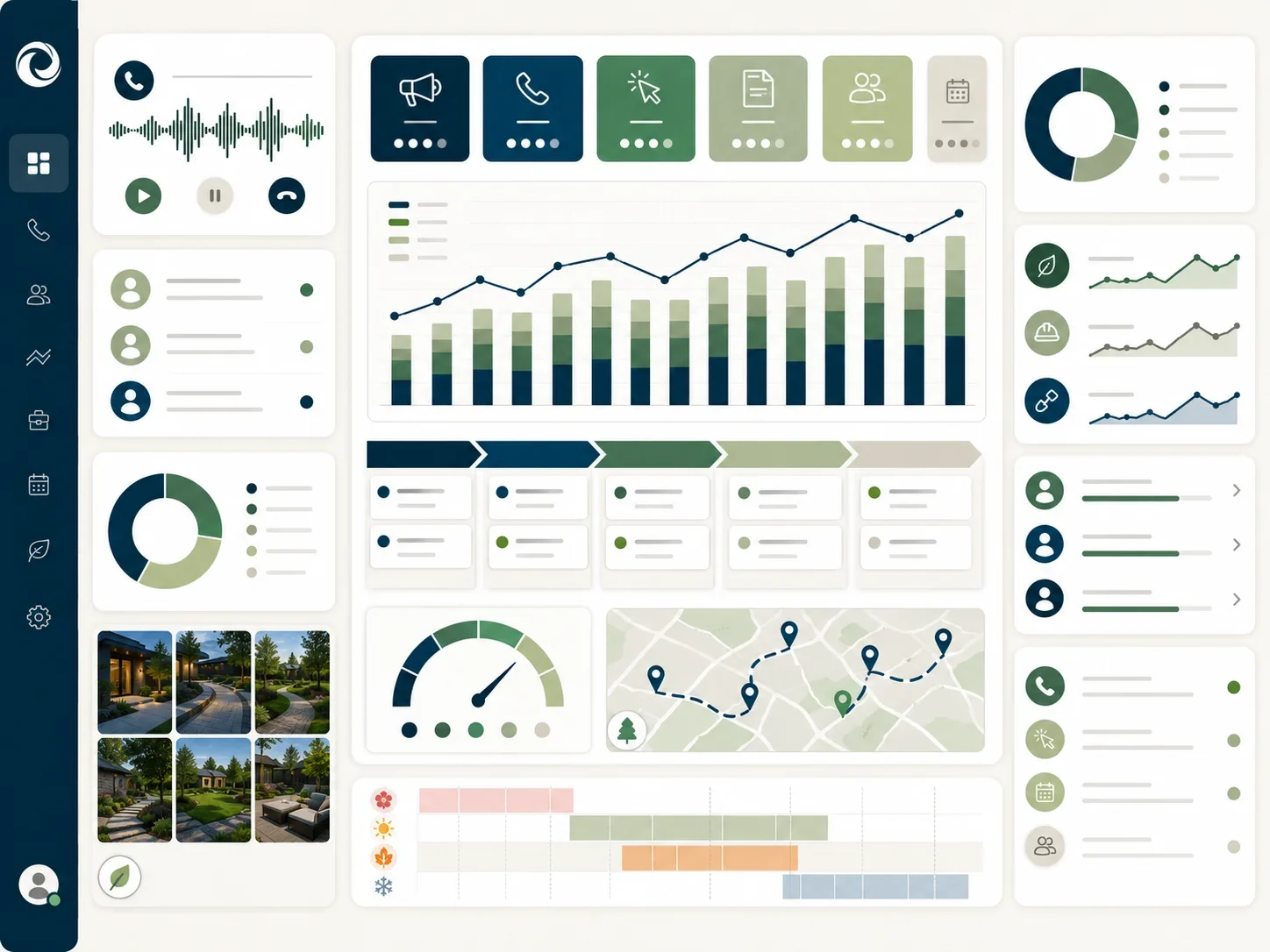
Launch in stages, review the failures
We begin with controlled volume, monitor errors and corrections, confirm staff adoption, and review completed actions monthly before expanding the scenario or connecting another operating system.
- Launch volume stays controlled
- Failures remain fully documented
- Expansion follows proven use
Make.com Automation Is One Part. We Run the Whole Thing.
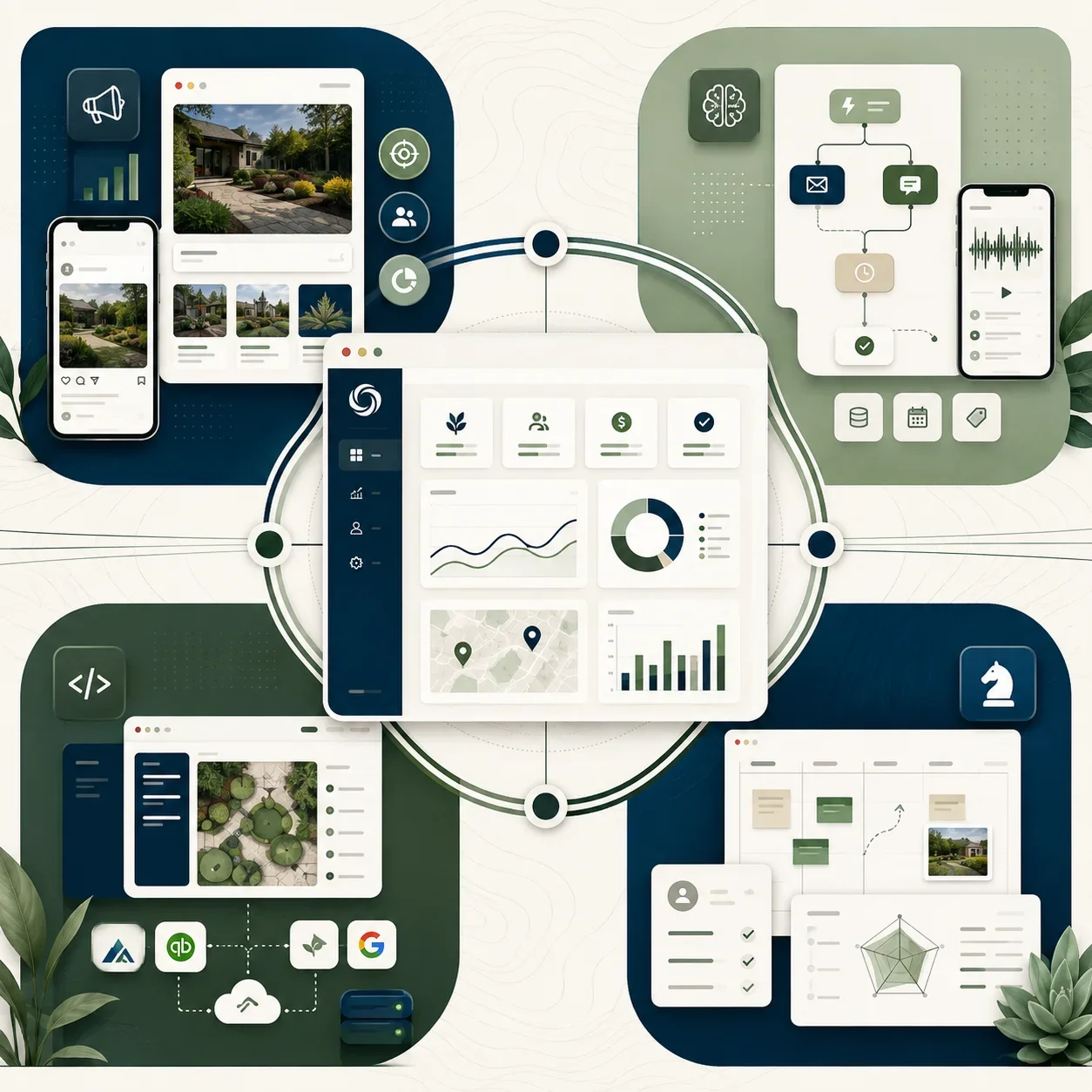
The scenarios sit inside one team running marketing, AI, website work, and reporting around the same operating priorities.
One market, one service line, and focused execution for dependable growth.
See what's includedMulti-service growth with broader campaigns, website work, and stronger follow-up.
See what's includedMulti-branch execution with AI, automation, deeper reporting, and faster cadence.
See what's includedFranchise systems, complex integrations, and governance across markets and teams.
See what's includedFree Make.com automation Audit
Proof Without Invented Make.com Results
We do not have two approved testimonials for this service yet. Here is what we can publish and measure.
“We stopped guessing which work paid. The make.com automation programme gave us one baseline, and the monthly review finally matched what the crews actually booked.”
“Everything sits in accounts we own, and every change is written down before it ships. That alone was worth the switch.”
more qualified enquiries in the first two quarters, measured against the pre-engagement baseline.
Every quote above is published with the client’s written approval, full name, role and company on file.
Make.com Automation Questions Landscaping Owners Ask Before Building
How does make.com automation help a landscaping company grow?
Make.com automation helps growth by moving approved records and next actions without manual entry. It can assign enquiries, create estimate follow-up, update job records, and start renewal tasks. The commercial value comes from fewer missed handoffs, not total scenario count.
What does make.com automation include for landscaping businesses?
Make.com automation includes workflow mapping, scenario design, field mapping, connections, approved actions, exception routes, testing, launch, documentation, and monthly review. The scope names which system owns each record, what the scenario may change, and who handles incomplete, conflicting, or sensitive cases.
How much does make.com automation cost for a landscaping company?
Make.com automation pricing for landscaping businesses starts inside the $2,000 Foundation package, then $3,000 for Growth, $5,000 for Scale, or custom Enterprise pricing. Ad spend is excluded. Subscription, usage, hosting, and project activation may be separate when stated in writing.
When should a landscaping company invest in make.com automation?
Invest when staff repeat the same cross-system handoff every week and the process already follows clear rules. Good candidates have stable source records, measurable delay or rework, and a named owner. Fix the process first when employees still disagree about the correct next step.
Can make.com automation support seasonal landscaping demand?
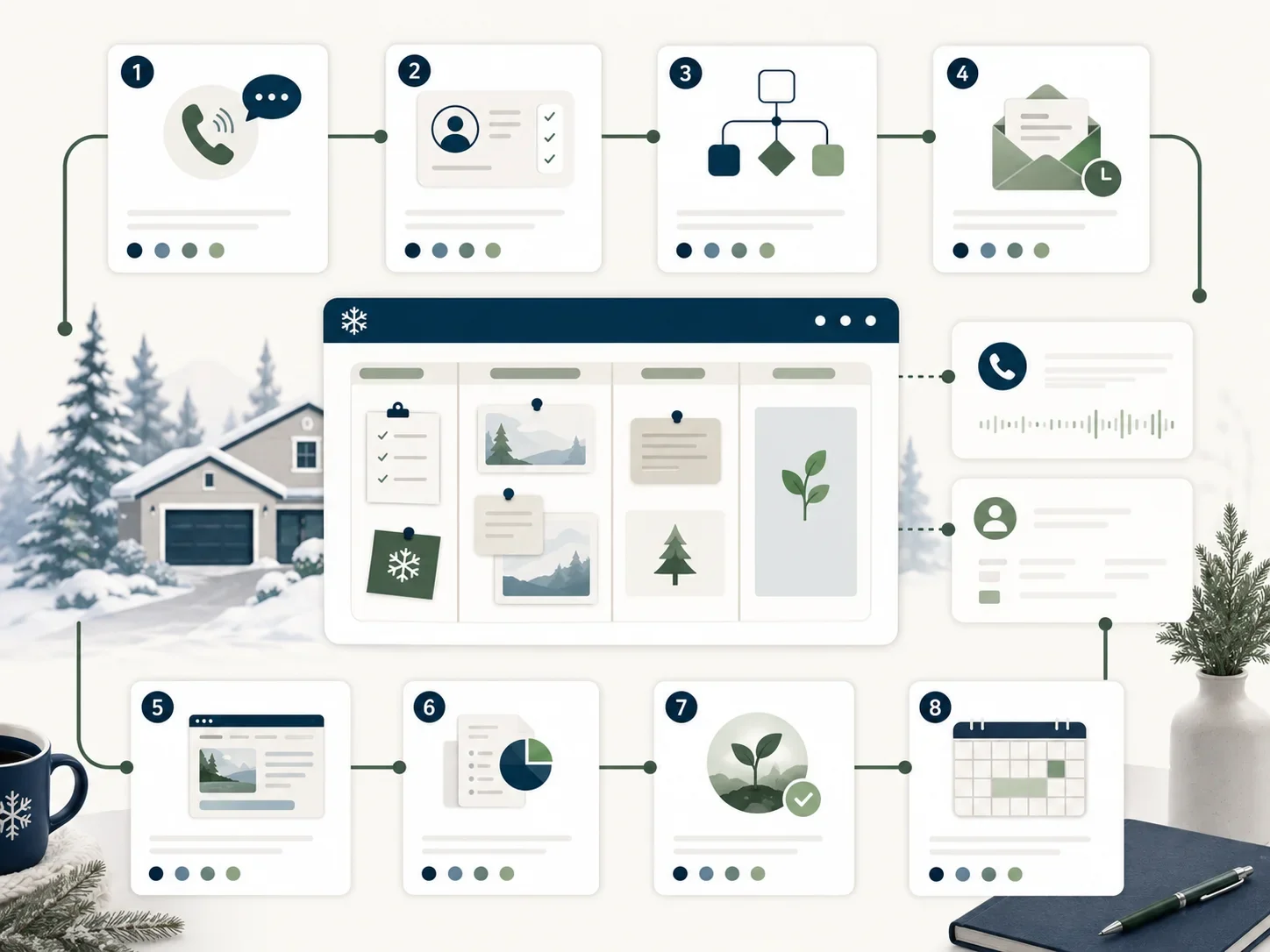
Yes. Make.com can increase routing, follow-up, weather communication, and schedule-review activity during spring demand, then shift toward renewals, data cleanup, and reporting in winter. Rules must follow current service coverage, crew capacity, licensing, and field-software records throughout the operating year.
How is performance measured for make.com automation?
Performance is measured through completed actions, failures, exceptions, corrections, processing time, manual steps removed, and operating outcomes where records exist. Scenario volume is diagnostic. Monthly review shows which handoff failed, who corrected it, and whether the automation remains worth operating.
Connect the Handoff, Keep Every Exception Owned
Start with one repeated workflow, approved actions, visible errors, and a named owner.